
What an APK file represents
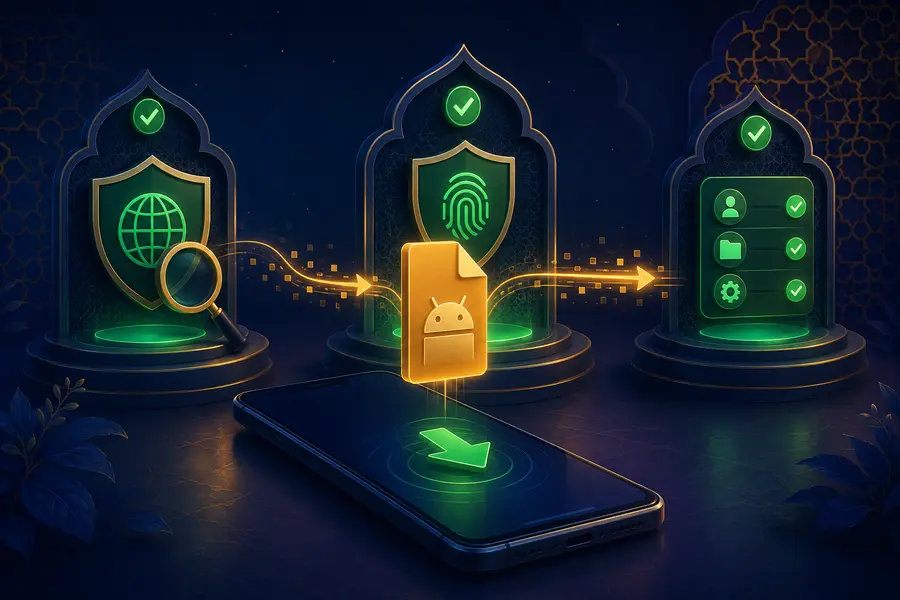
APK is the Android package format used to install an application. The format itself does not establish trust. A safe decision depends on the source, signing information, requested permissions and behaviour after installation. This page does not provide a binary file, a download count or a version claim.
A file name can be changed without changing the file’s contents. Likewise, a copied brand image does not prove who produced the package. Check more than one signal before opening a file and avoid packages shared through unverified groups or personal messages.
Permission and accessibility warnings
Accessibility, screen-overlay, device-administrator and broad storage permissions can create powerful access. Some legitimate apps use advanced permissions for a clear feature, but the reason should be understandable and limited. If an app requests control that is unrelated to its purpose, deny it and reconsider installation.
Pay special attention when a package asks you to turn off device protection, ignore several warnings or install another unknown component. These steps increase risk and should not be treated as normal simply because a page uses familiar branding.
Protect credentials and payments
Do not enter a password or payment credential until the destination has been checked independently. An APK installation helper should never need your banking password, card PIN or OTP. Avoid remote-control sessions during account access because another party may see notifications and sensitive fields.
Keep a record of the source and installation time. That makes it easier to investigate unexpected behaviour. If the device becomes unstable, remove recent software, change sensitive passwords from another trusted device and contact the appropriate provider.
Maintain a safer Android environment
- Keep Android security updates current.
- Review installed apps and permissions regularly.
- Disable unknown-source permission when it is no longer needed.
- Use a unique password and private OTP.
- Back up important personal files.