
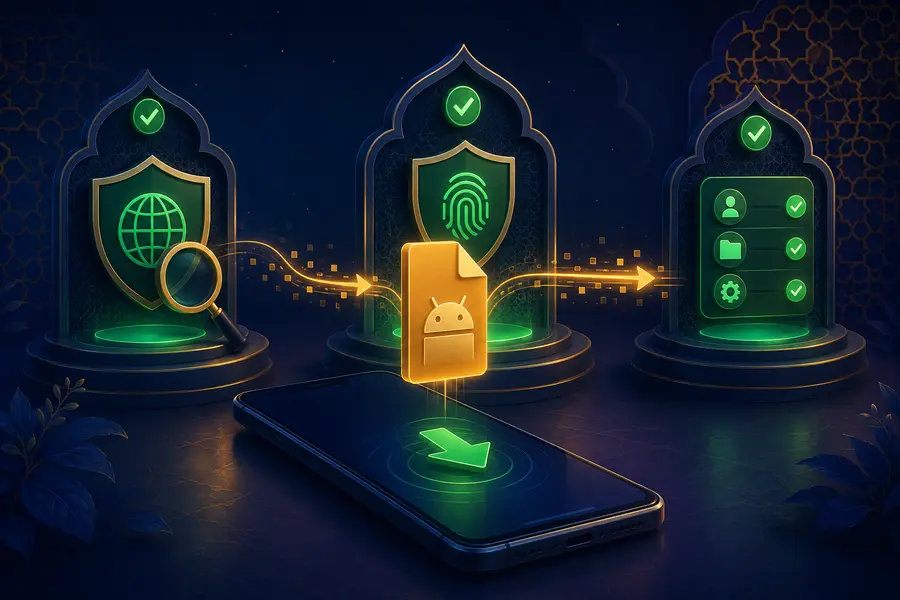
Separate a download link from a verified file
A link can begin a download, but it does not prove who created the file or whether the file is current. This information website does not store an APK binary and does not publish an unverified version, build number or file size. Treat those details as facts only when the actual provider and file can be checked.
Use the domain you intended to visit rather than a copied short link. Check spelling carefully, especially around numbers and repeated letters. If a message insists that you install immediately or disable several protections, stop and verify the source through a separate route.
Checks before opening the file
- Confirm the file type and source.
- Use current device protection to scan the file.
- Review Android warnings and signing information where available.
- Back up important personal data before changing security settings.
- Do not grant unrelated contact, call-log or accessibility access.
Unknown-source installation settings should be changed only with a clear reason and returned to a safer state afterwards. Do not leave broad installation permission enabled for an unrelated browser or file manager.
Watch the device after installation
Unexpected notification volume, new advertisements, unexplained data use, overheating or battery drain can indicate a problem. Review recently installed software and permissions. If the behaviour is suspicious, disconnect sensitive sessions, remove the app and scan the device before entering account or payment information again.
Never send an OTP, password or bank PIN to someone offering to “complete” an installation. Installation help should not require another person to control the device or view private account screens.
Updates require the same care
An update is another software installation and deserves the same source checks. Avoid an update package that arrives unexpectedly through a message. Read what changed when reliable details are available, check permissions after updating and keep the operating system supported.